A great audiobook does not just read a story — it performs it. When every character sounds the same, listeners lose track of who is speaking. They disengage. The magic of storytelling fades into monotone recitation.
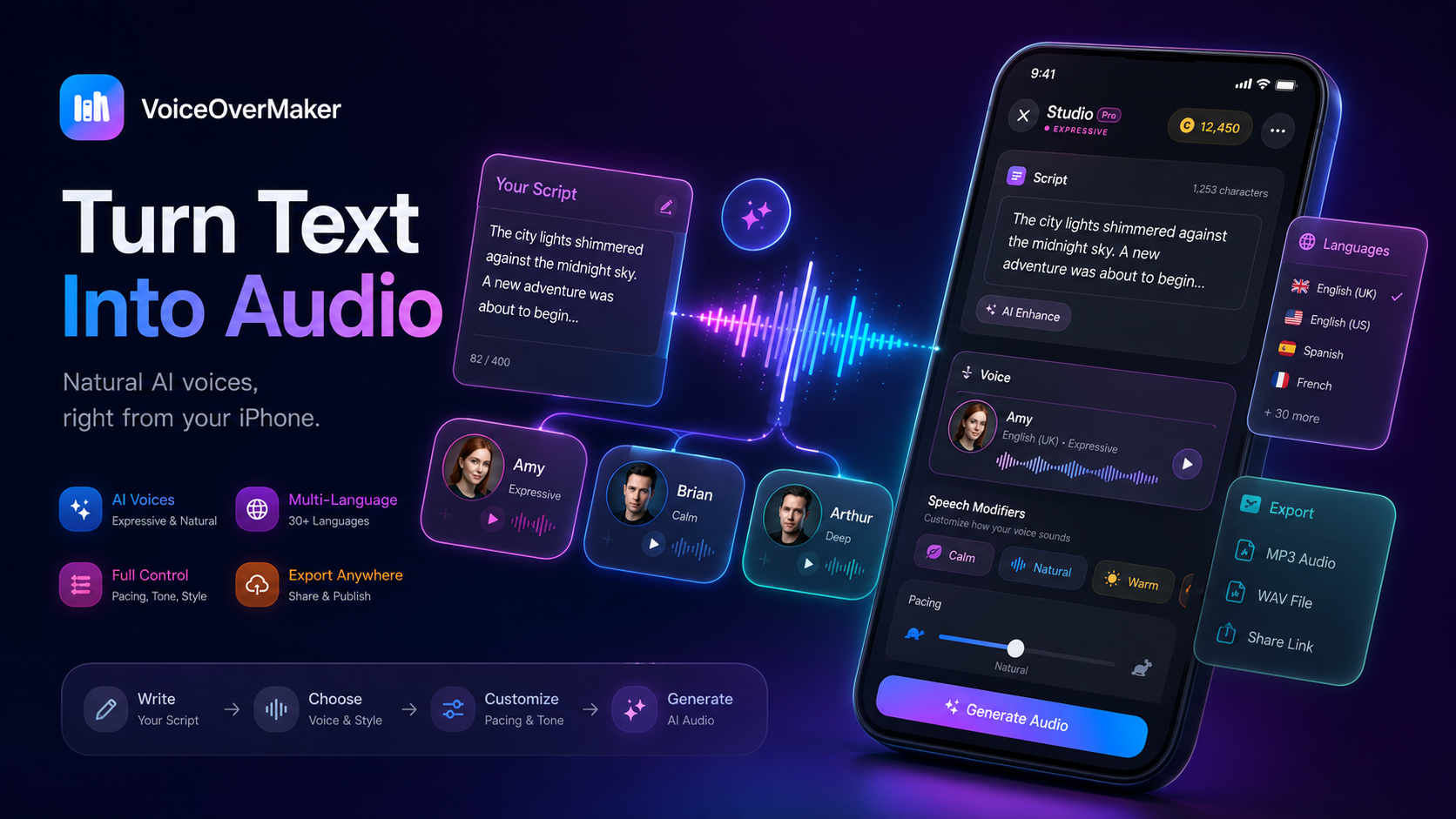
Multi-character AI narration changes that. You assign a distinct voice to every important character, giving your audiobook the depth of a full-cast production — without hiring a studio full of actors. With VoiceOverMaker, you can build these multi-voice audiobooks on your phone in minutes.
What Is a Multi-Character Audiobook?
A multi-character audiobook uses separate voices for different roles. Instead of one narrator reading everything — dialogue, description, action — the audiobook splits performance across dedicated voices:
- Narrator — handles scene-setting, action, internal thoughts, and transitions
- Protagonist — the main character's speaking voice
- Antagonist — a distinct voice that creates tension against the protagonist
- Supporting characters — friends, mentors, family members, each with their own sound
Each character speaks in their own voice during dialogue, while the narrator bridges the gaps between conversations. This creates performance blocks — segments of audio where each block is spoken by its assigned character voice.
Why Speaker Separation Matters
Consider this passage from a typical novel:
The door swung open. Oliver stepped inside, rain dripping from his coat. "We need to leave tonight," he said. Maisie looked up from the map. "Tonight? That's impossible — the river will be too high." Oliver crossed the room in three strides. "Then we go over the bridge."
Read by a single voice, the listener has to mentally track who said what. But with speaker separation:
Now each voice carries its own identity. The listener immediately knows who is speaking without needing "he said" or "she replied." The story flows like a radio drama.
Step 1: Build Your Cast
Before you record anything, list every character who speaks in your book. Not every named character needs a unique voice — focus on characters with significant dialogue. Ask yourself:
- Does this character speak more than a few lines?
- Does this character appear in multiple scenes?
- Would a listener confuse this character with another if they shared a voice?
For each character who gets a dedicated voice, note their traits:
- Age — younger voices tend to be lighter, older voices deeper or more measured
- Personality — confident characters speak faster with less hesitation; shy characters are softer
- Energy — a hyperactive sidekick sounds different from a world-weary mentor
- Accent or dialect — if relevant to the story, subtle regional coloring adds authenticity
- Speaking pace — some characters are deliberate, others rush through their words
This cast list becomes your reference guide throughout the entire production process.
Step 2: Choose a Dedicated Narrator
The narrator speaks more than any other character in most audiobooks. They handle every paragraph that is not dialogue — descriptions, actions, time jumps, internal monologue. Because listeners spend the most time hearing this voice, it needs to be:
- Comfortable for long listening — avoid extreme pitch or unusual cadence
- Neutral enough to not overshadow character voices
- Clear and well-paced — the narrator is the anchor of the entire production
- Distinct from all characters — listeners should always know when they have shifted from dialogue back to narration
In VoiceOverMaker, preview several voices by generating a longer narration passage. Pick the one you could listen to for hours without fatigue. That is your narrator.
Step 3: Separate Narration From Dialogue
The key to multi-character production is block structure. You break your text into blocks, each tagged with its speaker. In VoiceOverMaker, each block gets its own voice assignment:
Remove dialogue tags like "he said" or "she whispered" from the character blocks — those become unnecessary when each character has their own voice. Keep them only in narrator blocks when they add meaningful context (for example, "she whispered" tells the listener about volume and emotion).
If you are working from an existing manuscript, check out our guide on how to turn a book into an audiobook with AI for tips on preparing your text.
Step 4: Make Voices Distinct Without Distraction
The goal is clear differentiation — not caricature. Listeners should immediately recognize who is speaking without being pulled out of the story by an exaggerated voice. Mix these traits across your cast:
- Pitch range — deeper versus lighter voices
- Energy level — calm and measured versus quick and energetic
- Age quality — younger brightness versus mature steadiness
- Regional coloring — subtle accent differences where appropriate
- Warmth — friendly and open versus serious and guarded
A useful rule: if two characters frequently appear in the same conversation, their voices should be noticeably different in at least two of the traits above. If Oliver has a deep, measured voice, Maisie might have a lighter, quicker one.
For children's audiobooks, you can use slightly more contrast between characters since younger listeners benefit from clearer differentiation.
Step 5: Use Emotion as Part of the Character
Characters are not monotone throughout a story. They get angry, frightened, excited, heartbroken. But a change in emotion should not mean switching to a completely different voice — it means adjusting the performance of the existing voice.
In VoiceOverMaker, you can adjust emotional tone per block while keeping the same base voice. This means Oliver can whisper in fear, shout in triumph, and speak gently to a child — all recognizably Oliver.
Think of it like a real actor: they do not become a different person when they get emotional. Their voice changes in speed, volume, and tension — but you always know it is them.
- Angry — slightly faster, more clipped consonants, tighter delivery
- Sad — slower pace, lower energy, slight trailing off
- Excited — faster, rising pitch at the end of phrases, more breath
- Fearful — quieter, uneven rhythm, slight hesitation
Step 6: Preview Conversations
Once you have assigned voices to all characters, generate a dialogue-heavy scene and listen critically. Pay attention to:
- Can you tell voices apart? — If two characters sound too similar back-to-back, adjust one
- Do transitions feel natural? — The shift from narrator to character should not feel jarring
- Is the pacing right? — Quick exchanges should feel rapid; tense moments should breathe
- Are any voices fatiguing? — A grating voice works for a few lines but not for extended dialogue
Test with headphones and with speakers. Test while doing other things — washing dishes, walking. Your audiobook will be listened to in all conditions. If a voice that sounded fine at your desk becomes confusing in a noisy environment, it needs more differentiation.
Step 7: Regenerate Only What Needs Fixing
One of the advantages of block-structured production is surgical editing. If Oliver's voice sounds wrong in chapter seven, you do not need to redo the entire chapter. You regenerate only Oliver's blocks in that section.
This structured approach means:
- Fix a single line without touching surrounding blocks
- Swap a character's voice across the entire book by reassigning their blocks
- Adjust timing between blocks without re-generating speech
- Add a scene without disrupting what comes before or after
Think of your audiobook as a timeline of blocks, not a single monolithic recording. Each block is independent. This makes revision fast and precise — you never lose work you are happy with.
Build Multi-Voice Stories With VoiceOverMaker
VoiceOverMaker gives you everything needed to produce a multi-character audiobook from your phone. Assign unique AI voices to each character, adjust emotion and pacing per block, preview conversations in real-time, and export a polished audiobook with the depth of a full-cast production.
Whether you are creating fiction, non-fiction with quoted interviews, or educational content with multiple speakers, the block-based workflow makes multi-voice production accessible to anyone with a story to tell.
Start Your Multi-Character Audiobook
Download VoiceOverMaker free. Assign voices to characters, preview conversations, and export your audiobook — all from your iPhone.