Creative AI Apps for Voice, Audio and Video

Turn ideas into audio, listen to documents and make videos understandable across languages. iPhone and iPad apps for writers, students, educators, content creators and businesses.

Explore Our Apps ↓
Our Apps

Apps Built for Creators and Learners

Voice, audio and video tools designed to save time and unlock new possibilities on iPhone and iPad.
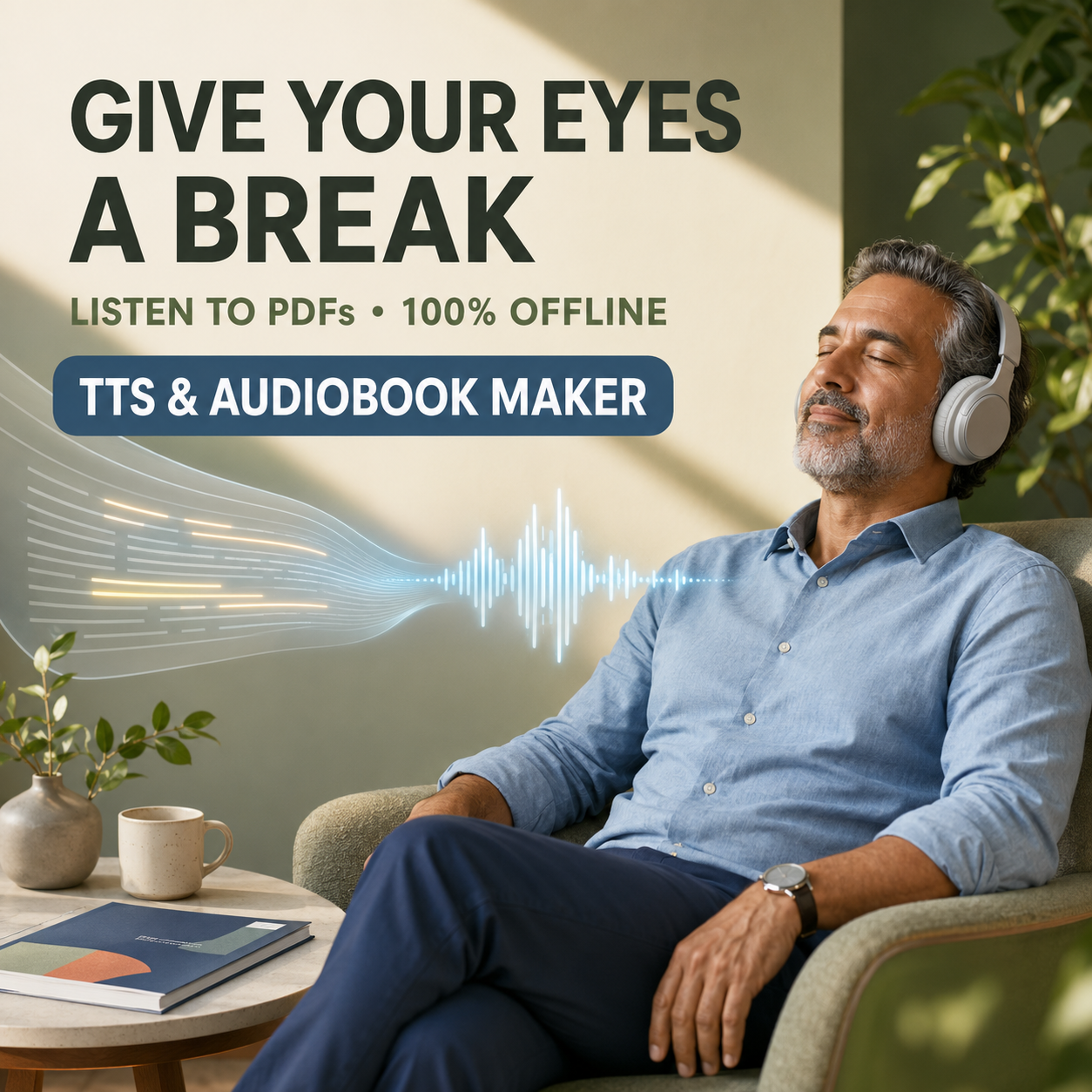
Man listening to PDF audiobook with TTS and Audiobook Maker app

TTS & Audiobook Maker

Listen to PDFs, turn text into natural speech and create your own audiobooks with Apple voices. Works offline.

Best for: PDF listening, study material, proofreading, personal stories
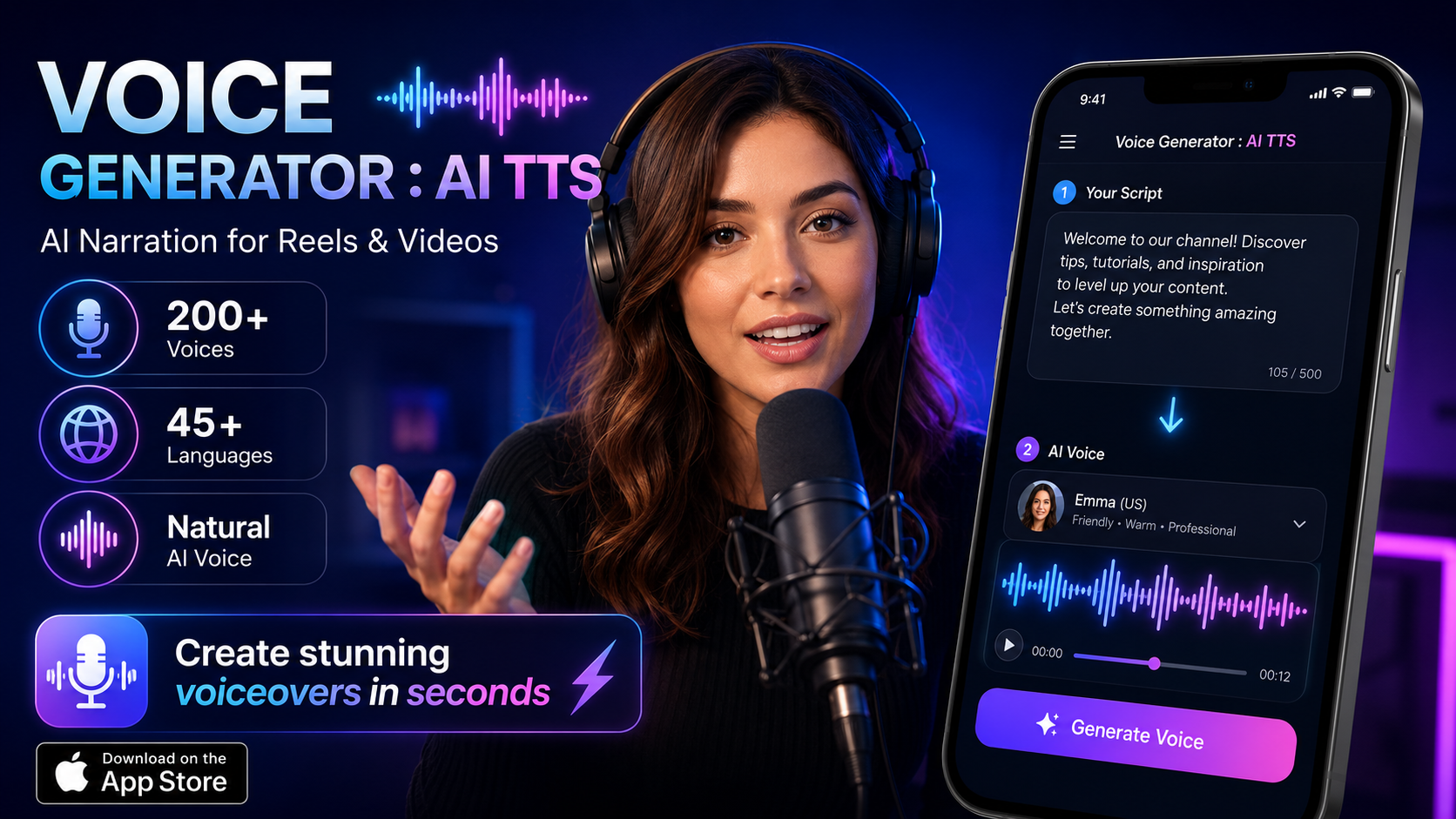
Voice Generator AI TTS with woman and microphone showing 200+ voices

Voice Generator: AI TTS

200+ voices, 45+ languages. Create expressive AI voiceovers for videos, Reels, podcasts, audiobooks and tutorials.

Best for: AI voiceovers, creator videos, podcasts, social content
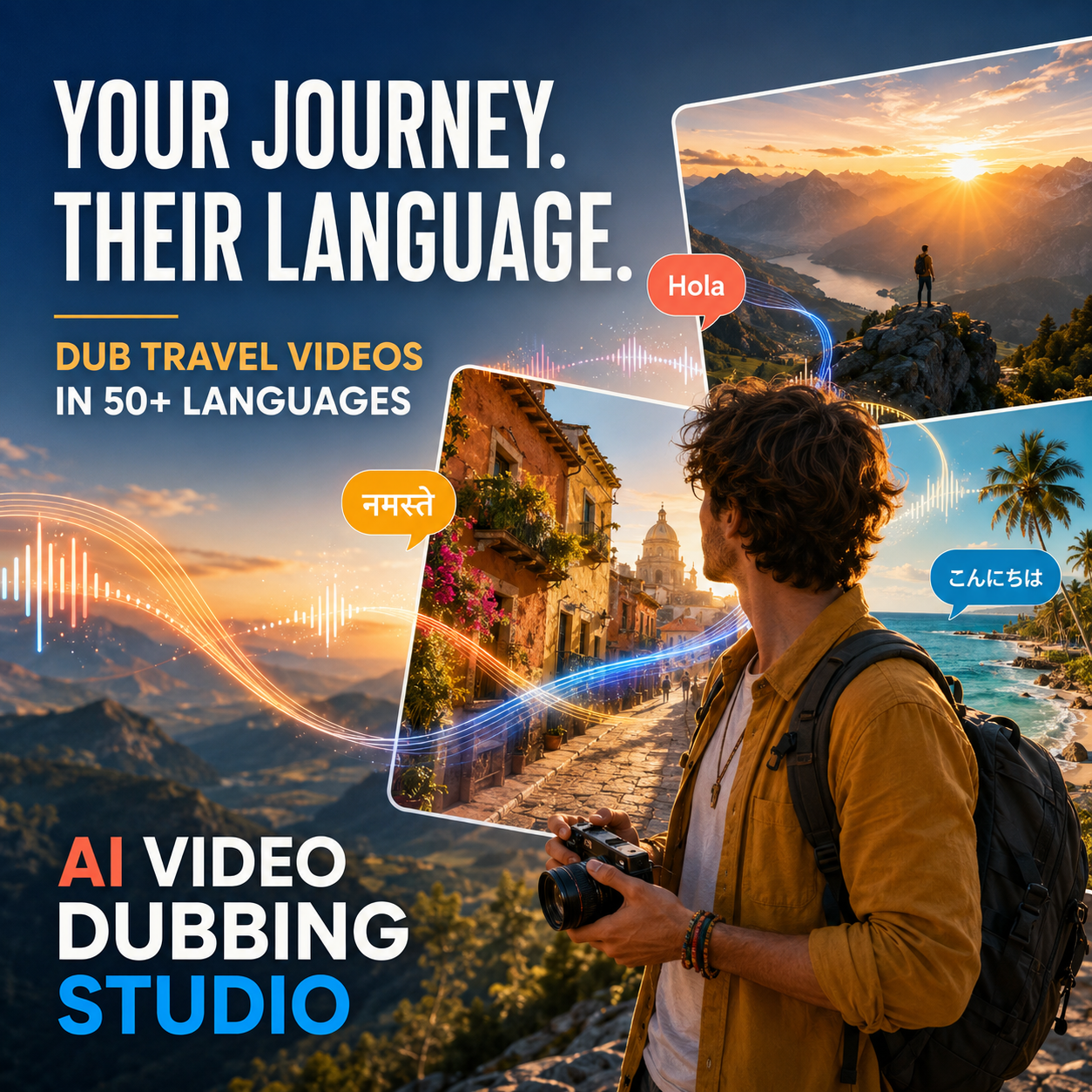
AI Video Dubbing Studio for travel and multilingual content

AI Video Dubbing Studio

Translate and dub videos in 50+ languages, replace voices, create subtitles or auto-narrate silent footage.

Best for: Video localization, multilingual courses, marketing videos

Gaming

Game Design & Kids Gaming

We also design engaging mobile games for children — educational, fun, and safe.

🎓

Kids Educational Games

Colorful learning games that teach math, reading, and science through play. Designed with child-safety guidelines and age-appropriate content that parents can trust.

🎲

Adventure & Puzzle Games

Age-appropriate adventure games with creative storytelling. Challenging puzzles and explorable worlds that develop problem-solving skills while keeping kids entertained.

Our Strategy

How We Help Businesses Solve Custom Problems

We follow a proven 5-step approach to turn your idea into a polished, revenue-generating app — on time and on budget.

1
🔍

Discovery

We listen to your business challenge, map user journeys, and identify the core problem worth solving.

2
🎨

Design

Interactive wireframes and UI mockups so you see the product before a single line of code is written.

3
🛠

Build

Agile 2-week sprints with weekly demos. Native iOS/Android, React web, or cross-platform — whatever fits best.

4
🚀

Launch

App Store submission, cloud infrastructure setup, analytics integration, and go-to-market support.

5
📈

Grow

Ongoing maintenance, performance monitoring, A/B testing, and feature updates based on real user data.

Workflow

One Workflow, More Ways to Create

Each app solves a different part of the audio and video creation puzzle. Here is when to reach for each one.

📖

Reading & Studying

Use TTS & Audiobook Maker to listen to lecture notes, research papers and books while commuting or exercising. Completely offline — no internet needed.

🎤

Creating Voiceovers

Use Voice Generator: AI TTS when you need expressive, multi-language narration for YouTube videos, Instagram Reels, podcasts or e-learning content.

🌐

Going Multilingual

Use AI Video Dubbing Studio to translate existing videos into new languages, add subtitles, or give voice to silent screen recordings and tutorials.

FAQ

Frequently Asked Questions

TTS & Audiobook Maker works completely offline using Apple's built-in voices. Voice Generator: AI TTS requires an internet connection for cloud-based premium voices but includes select offline voices. AI Video Dubbing Studio needs connectivity for translation and dubbing.
All three apps are free to download with core features included. Premium features like additional voices, longer exports, and batch processing are available through in-app subscriptions.
All apps run on iPhone and iPad with iOS 16 or later. They are optimized for the latest hardware but work smoothly on older devices as well.
Yes. Audio and video created with our apps can be used in commercial projects including YouTube videos, podcasts, marketing materials, and e-learning courses. Check individual app terms for full details.