iOS App

Turn Text and PDFs Into Audio — Completely Offline

Read any PDF without touching the screen. Hear your own writing in a natural voice. Build page-by-page audiobooks from stories, notes, or documents — all on-device, no internet needed.
TTS & Audiobook Maker app icon
Text to Speech

Listen to Any Text in a Natural Voice

Paste or type any text and hear it spoken aloud instantly. Choose from hundreds of Apple voices across dozens of languages — all processed on your device with zero latency.

  • Hundreds of built-in Apple voices
  • Works completely offline — no account required
  • Adjust speed, pitch, and language to your preference
  • Export spoken text as M4A audio files
TTS app reading text aloud with voice controls
PDF Audio

A PDF Reader That Creates Audio

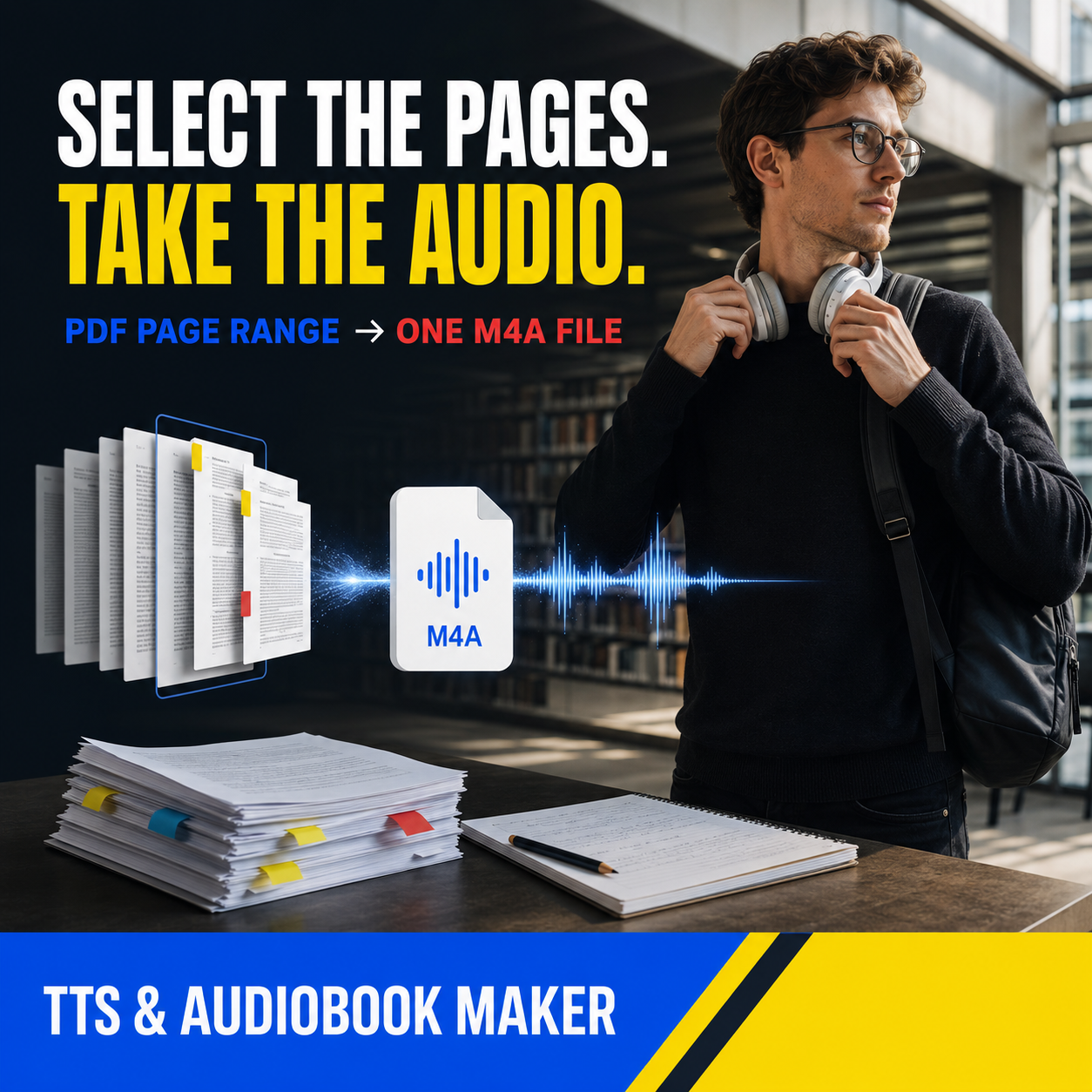
Import any PDF and have it read aloud page by page with real-time word highlighting. Select a page range and export it as a portable M4A audiobook file.

  • Import PDFs from Files, iCloud, or any source
  • Word-by-word highlighting as it reads
  • Select page ranges to convert to M4A
  • Perfect for students, writers, professionals, and commuters
PDF being converted to audio with page selection
Audiobook Creator

Make an Audiobook From Your Own Writing

Build multi-page audiobooks from scratch. Add pages, assign different voices to each one, drag and drop to reorder, and export the entire project as a single M4A file.

  • Page-by-page audiobook creator
  • Drag and drop pages to reorder
  • Assign different voices per page or chapter
  • Export the complete audiobook as one M4A file
Audiobook creator interface with multiple pages
Privacy

Private by Design

Everything happens on your device. Your text, PDFs, and audiobooks never leave your iPhone or iPad. No cloud uploads, no accounts, no tracking — just you and your content.

Capabilities

Key Features

🎧
Offline Text to Speech

Convert any text to natural speech using Apple's on-device voices. No internet connection needed.

📚
PDF Import & Reading

Open PDFs from Files or iCloud and have them read aloud with real-time word highlighting.

🎶
M4A Audiobook Export

Export page ranges or entire documents as portable M4A audio files you can share or listen anywhere.

🗣
Hundreds of Voices

Choose from every Apple voice installed on your device, spanning dozens of languages and accents.

📝
Page-by-Page Creator

Build multi-page audiobooks from your own writing. Drag, drop, and reorder pages freely.

🔒
100% On-Device

No cloud uploads, no account required, no data collection. Your content stays on your device.

Use Cases

Who Is It For?

🎓
Students

Listen to textbook PDFs and study notes while commuting, exercising, or resting your eyes. Convert lecture slides into audio for revision on the go.

✍️
Writers

Hear your drafts read back to you and catch awkward phrasing. Build audiobook versions of your stories with different voices for different characters.

👪
Parents

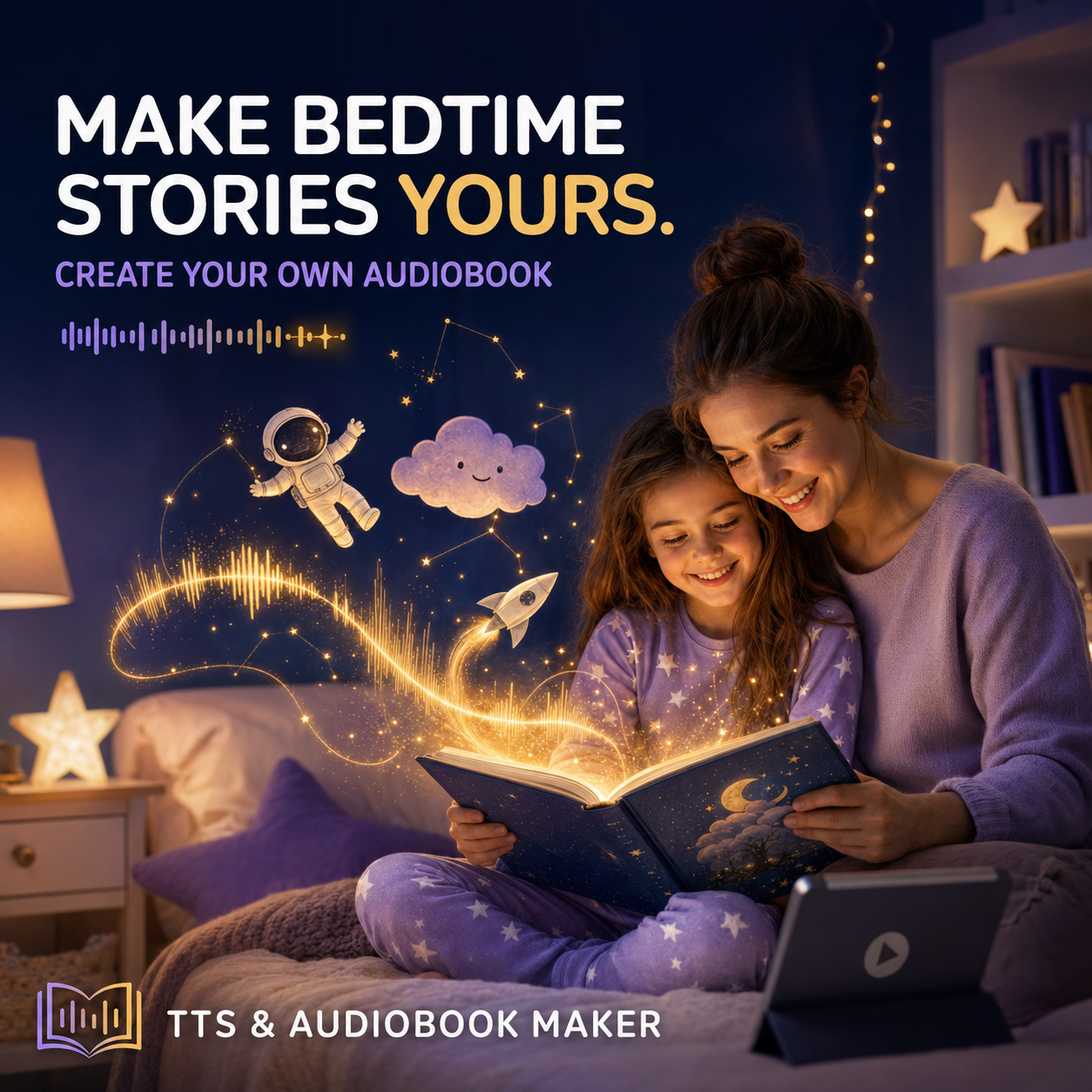
Create custom bedtime story audiobooks for your children. Record your own stories page by page and let the app read them at night.

📖
Readers

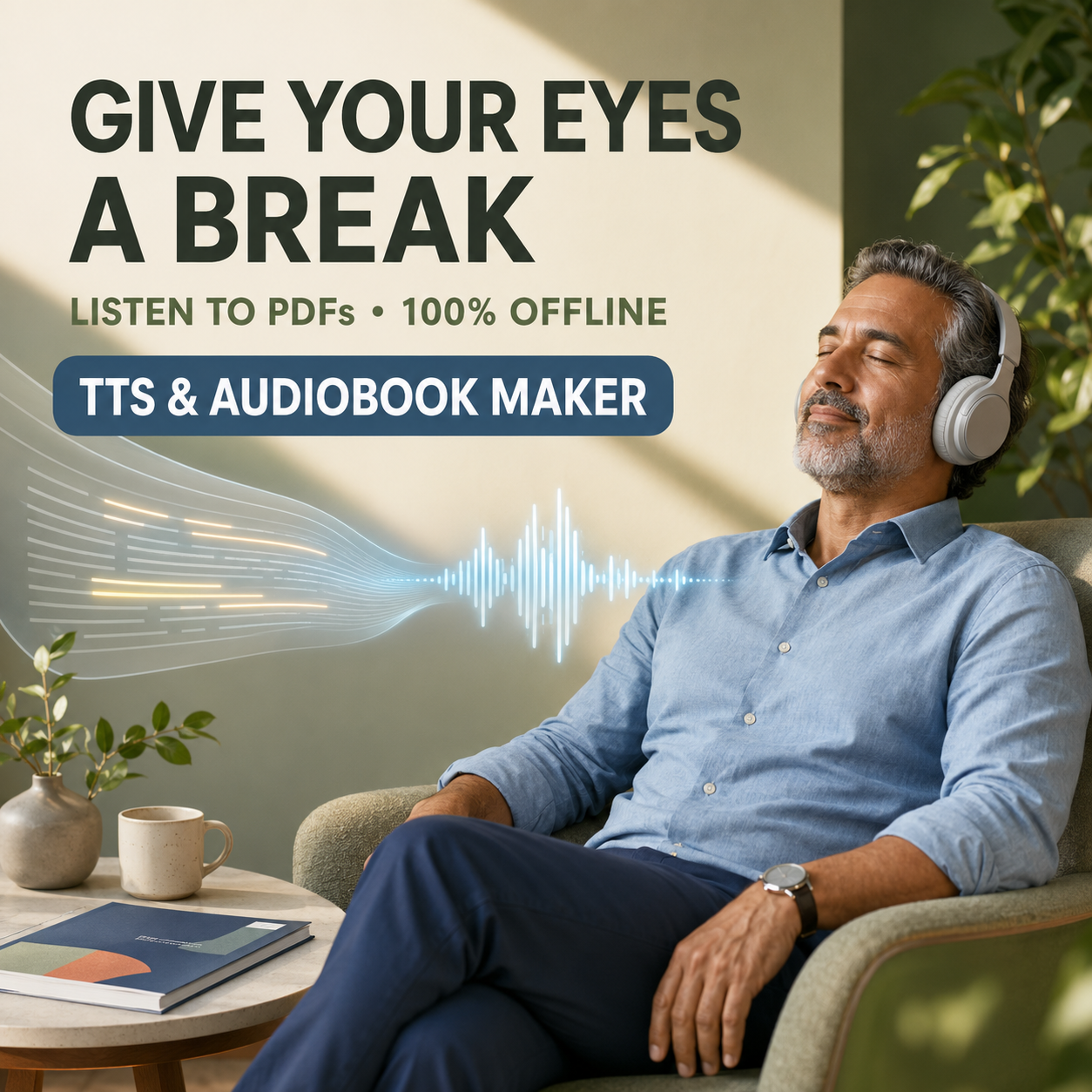
Give your eyes a break. Listen to long articles, ebooks, and documents without staring at a screen. Perfect for commuters and multitaskers.

FAQ

Frequently Asked Questions

Can it read a PDF out loud?+

Yes. Import any PDF and the app will read it aloud page by page with real-time word highlighting. You can also select specific page ranges to listen to or export as audio.

Can I export only selected pages as audio?+

Absolutely. Choose a start and end page, pick your voice, and export just that range as an M4A file. Great for converting individual chapters or sections.

Does it work offline?+

Yes, the app is fully offline. It uses Apple's on-device speech synthesis, so you never need an internet connection to listen to text or create audiobooks.

Can I make an audiobook from my own story?+

Yes. The audiobook creator lets you add pages, type or paste your text on each page, assign different voices, reorder pages with drag and drop, and export the whole project as one M4A file.

Does it upload my PDFs anywhere?+

No. Everything stays on your device. The app never uploads your text, PDFs, or audio files to any server. There is no cloud component at all.

Does it work on iPad?+

Yes. The app is a universal app that works on both iPhone and iPad, taking advantage of the larger screen on iPad for a comfortable reading and listening experience.

Give Your Eyes a Break

Let your iPhone read for you. Convert text and PDFs into natural audio — completely offline, completely private.