AI Text to Speech
Give Every Script a Voice
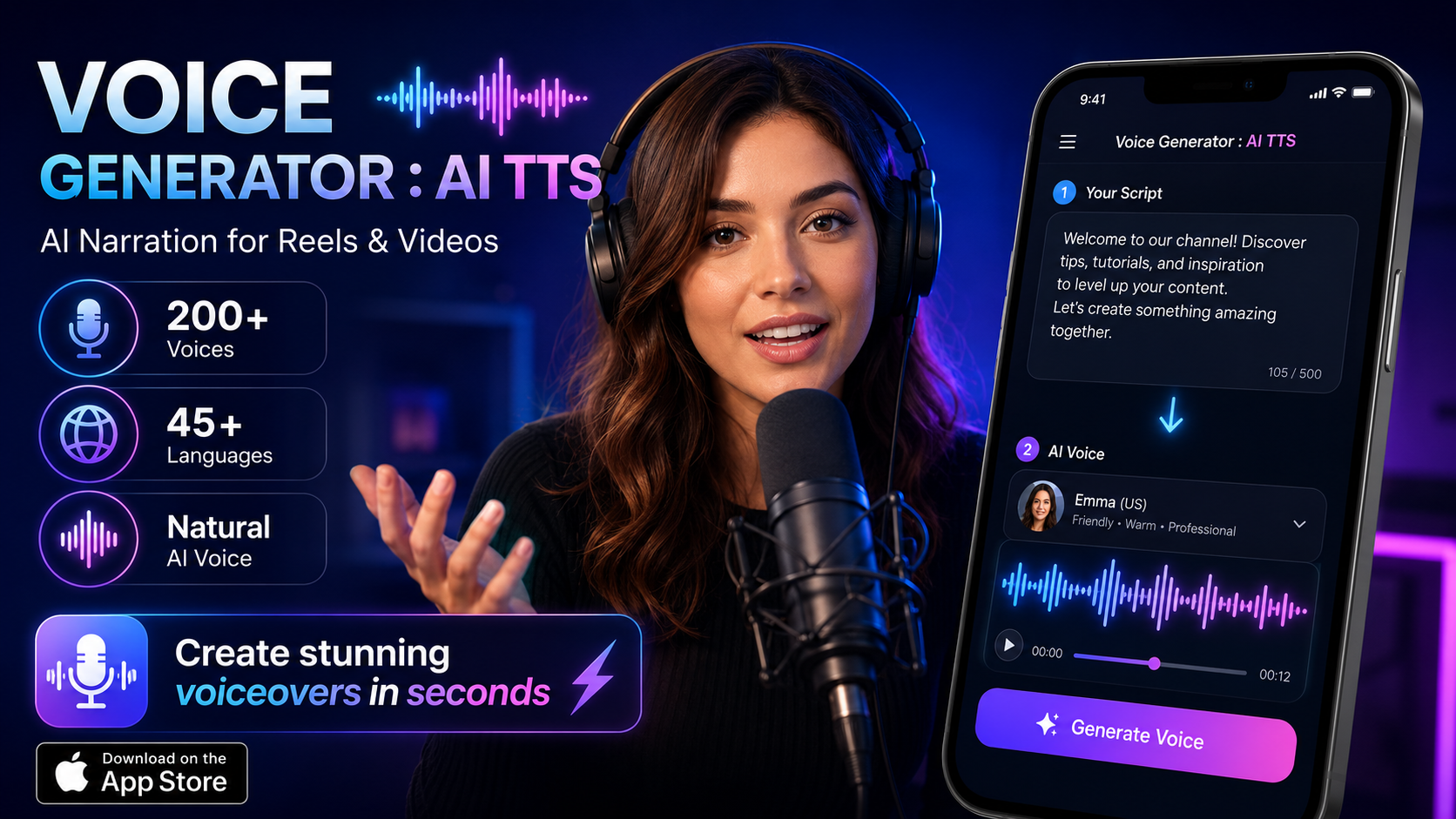
Turn any text into expressive, natural-sounding narration with 200+ AI voices across 45+ languages. Perfect for YouTube videos, Instagram Reels, podcasts, and audiobooks.
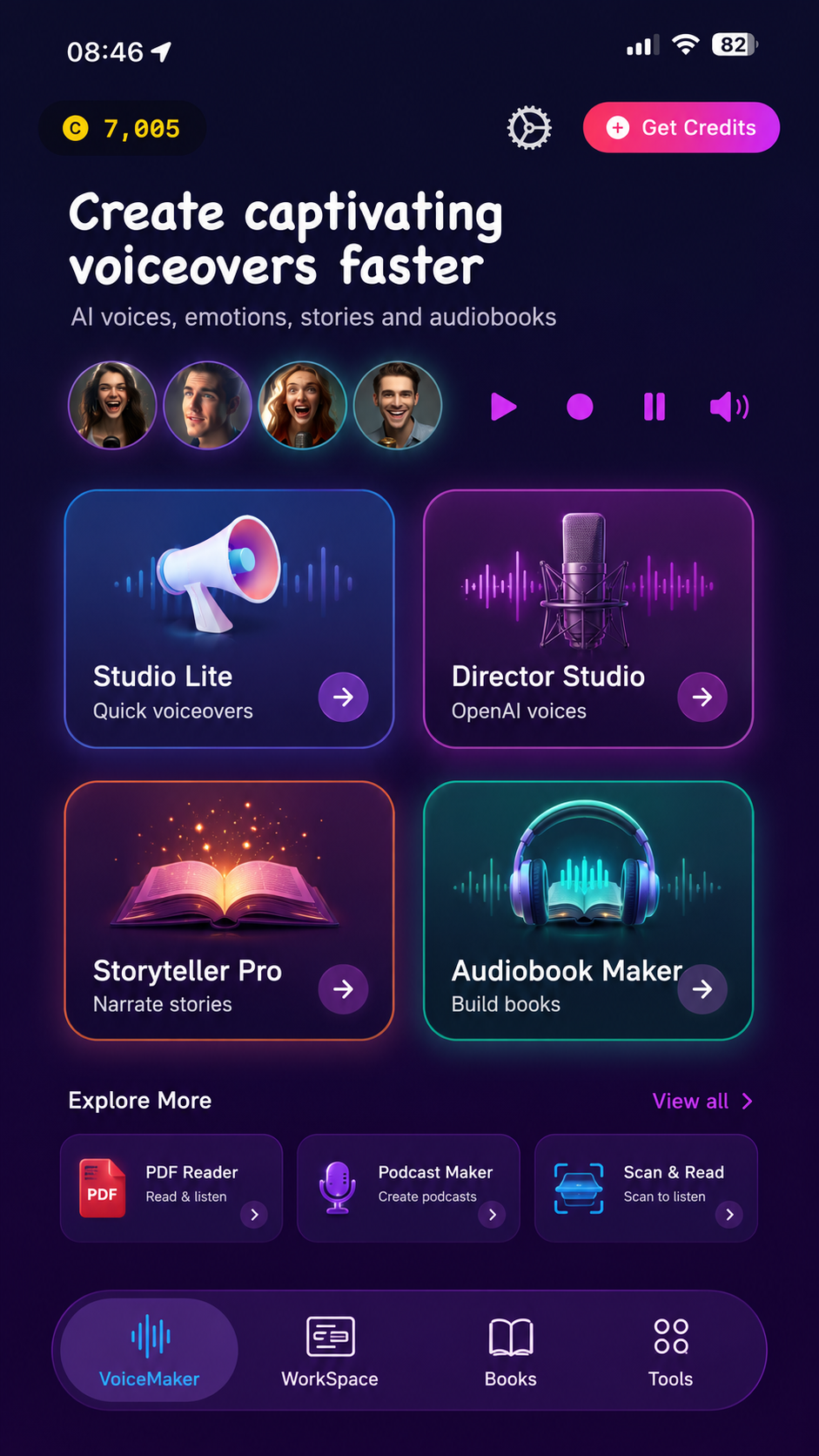
Turn any text into expressive, natural-sounding narration with 200+ AI voices across 45+ languages. Perfect for YouTube videos, Instagram Reels, podcasts, and audiobooks.
Paste your script, pick a voice, adjust the delivery, and export studio-ready audio. No recording setup needed.
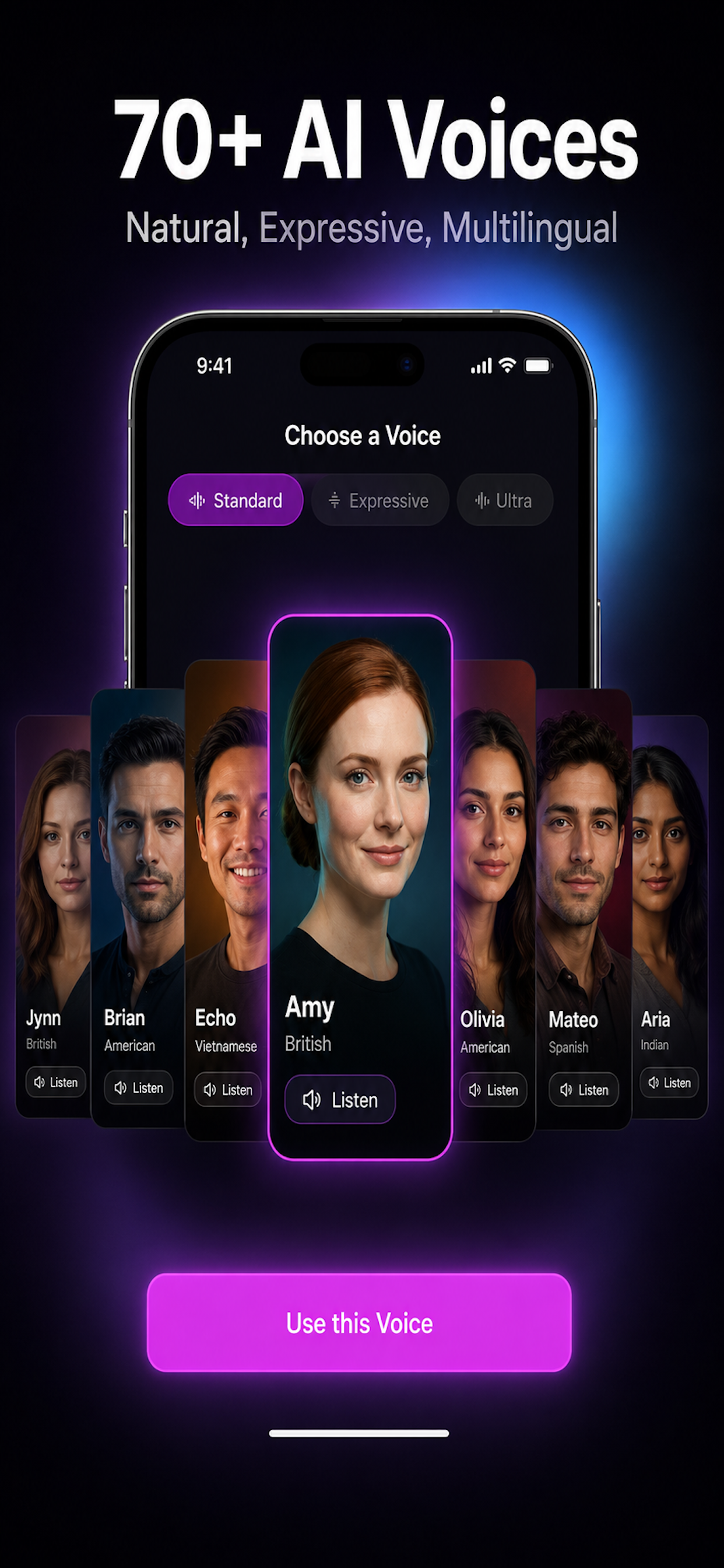
Type or paste any text, select from over 200 distinct AI voices, then tap Generate. The app converts your words into expressive, human-like speech that sounds natural and engaging.
Each voice carries unique characteristics -- age, gender, accent, and emotion -- so you can match the narrator to your content whether it is a product demo, audiobook chapter, or social media clip.
Whether you are building a brand or teaching a class, the right voice makes your message stick.
Add professional narration to tutorials, explainers, and vlogs without hiring a voice actor or booking a studio session.
Create catchy one-liners and hooks for Instagram Reels, TikTok, and YouTube Shorts that grab attention in the first second.
Generate intros, outros, ad reads, and filler segments so your podcast sounds polished and consistent every episode.
Narrate course modules, quizzes, and presentations in multiple languages so students can learn at their own pace.
Build phone menu prompts, on-hold messages, and product announcements with a professional tone in minutes.
Convert full manuscripts into narrated audiobooks with consistent pacing and expressive delivery across chapters.
Over 200 voices spanning 45+ languages and regional accents. From English and Spanish to Hindi, Arabic, Japanese, and beyond.
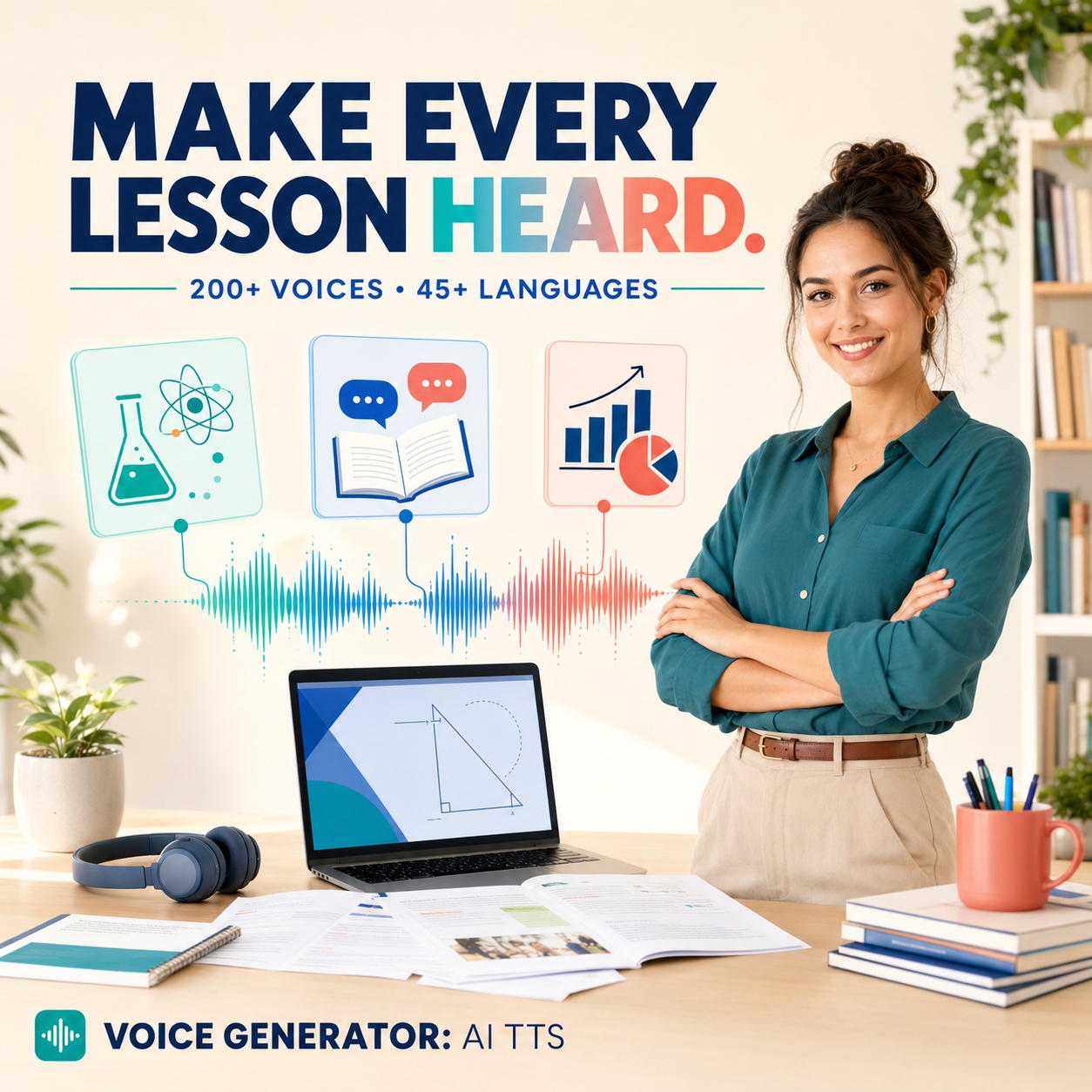
Expand your reach without hiring translators or native speakers for every language. Select a voice in any supported language and the app delivers authentic pronunciation and natural intonation.
Regional accents are available for major languages -- American, British, Australian English; Latin American and European Spanish; and many more -- so your content resonates locally.
Fine-tune every voiceover until it sounds exactly right for your project.
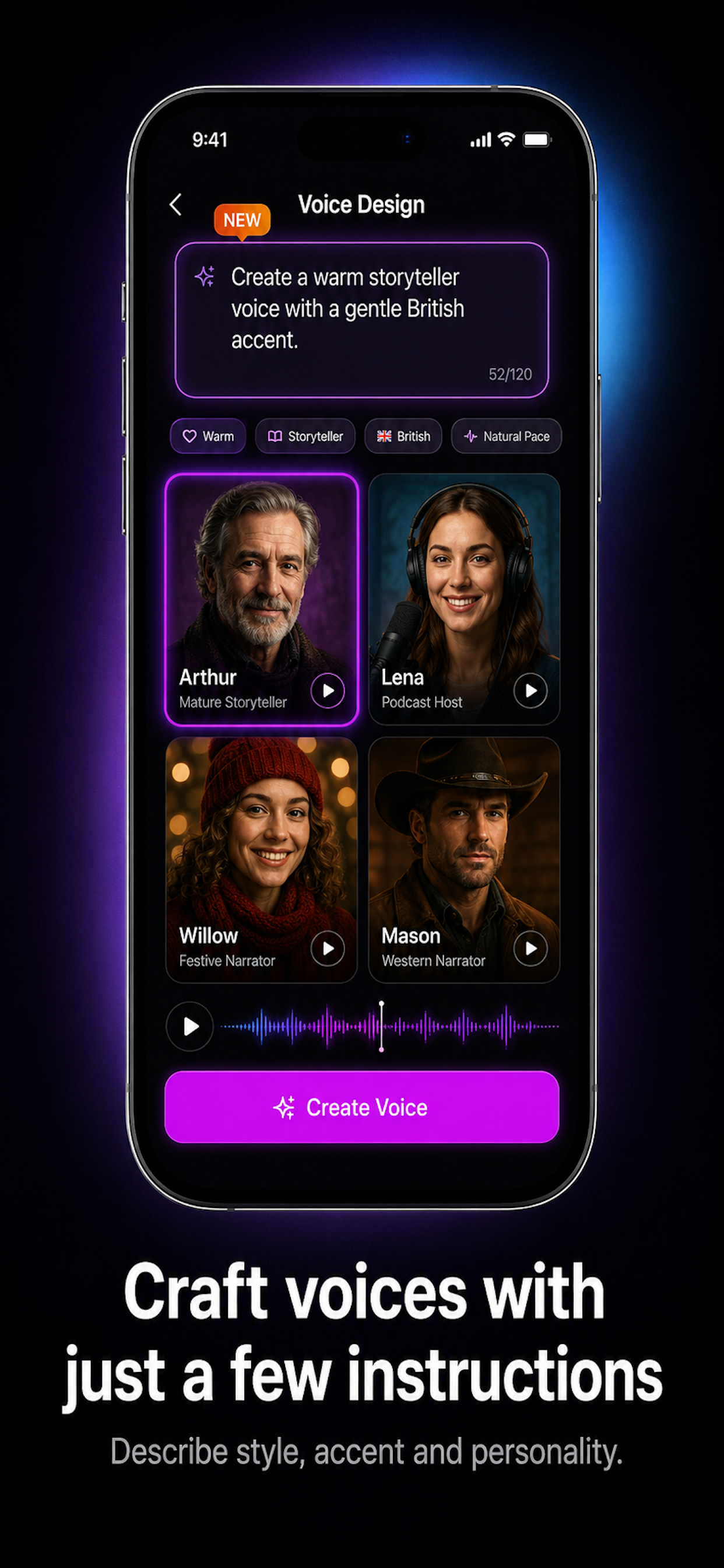
Choose warm, authoritative, cheerful, or calm styles to match your content mood.
Slow down for emphasis or speed up for fast-paced editing. Full range from 0.5x to 2x.
Raise or lower the voice pitch to create the exact character you need.
Your voiceovers belong to you. Save them to your library, export as audio files, and use them however you need.
Generated audio files are saved to your device and can be shared directly to video editors, cloud storage, or messaging apps. Use them in commercial projects, personal videos, or client work.
Build a library of branded voice clips -- intro hooks, sign-offs, ad reads -- and reuse them across projects without regenerating every time.
Built for anyone who needs professional voiceovers without the overhead of a recording studio.
YouTubers, TikTokers, and Reels creators who need fast, consistent narration for every upload.
Solo hosts and production teams who want polished intros, ad segments, and guest introductions.
Teachers and course builders who narrate lessons, assignments, and study materials in multiple languages.
Brand teams and agencies creating video ads, product demos, and IVR scripts at scale.
The app offers over 200 AI voices spanning male, female, and neutral options. New voices are added with updates, and each voice has distinct characteristics like age, accent, and emotional tone.
Yes. Voiceovers generated in the app can be used in YouTube videos, social media content, presentations, and other projects. Export the audio file and drop it into your video editor of choice.
Use the built-in controls to adjust speed (0.5x to 2x), pitch (higher or lower), and tone style. You can preview changes in real time before exporting the final audio.
The app is a text-to-speech tool, not a translator. You provide the script in your target language and the app reads it aloud with native pronunciation. You can use a separate translation tool first, then paste the translated text into the app.
Yes. Audio generated with the app can be used for commercial purposes including ads, product videos, client work, and monetized content. No additional licensing is required.
Absolutely. Once generated, the audio file is yours to reuse as many times as you need. Save it to your library for quick access across different projects and platforms.
Whatever you need to say, the Voice Generator gives you a professional narrator on demand. Download free and start creating today.
Download Free on App Store